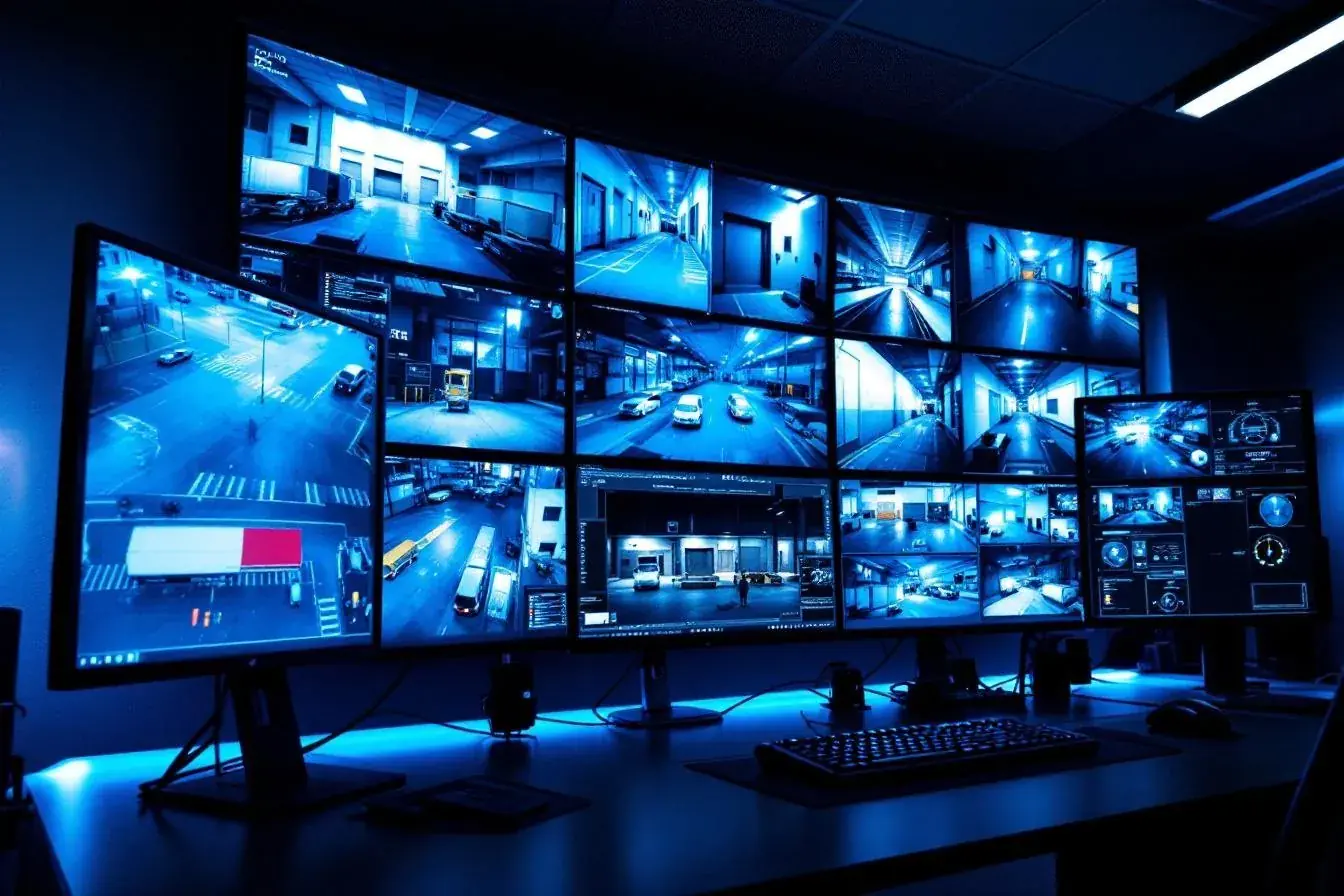
- Video surveillance for NJ businesses | camera types, resolution, storage, and the legal considerations every owner needs to understand before deploying.
- Questions about your property? Certified Protection answers them free: 732-346-5333.
Start with Why, Not Where
Before picking cameras, answer these questions:
- What specific scenarios do we need to capture? After hours intrusion? Daytime theft? Slip and fall documentation? Delivery verification? Employee safety?
- At what level of detail? "Somebody walked through" is different from "I need to read a license plate from 40 feet at night."
- Who needs to access footage, and how? Just the owner? Managers? Remote access?
- How long do we need to retain footage? Regulatory, insurance, or operational drivers often set this.
- What integrates with what? Access control events linked to video? Alarm events? POS transactions?
These answers determine camera types, resolution, placement, storage, and software, not the other way around.
Camera Types and When to Use Each
Dome Cameras
Ceiling mounted, wide field of view, vandal resistant housing.
- Best for: indoor general surveillance, retail floors, entrances, open spaces
- Advantages: harder to tell where the camera is pointing, resistant to tampering
- Limitations: typically fixed view, wide angle means distant detail can be limited
Bullet Cameras
Cylindrical, typically wall mounted, often outdoor rated.
- Best for: outdoor perimeter, parking lots, loading areas, specific focused views
- Advantages: weatherproof housings, visible deterrent effect
- Limitations: fixed view, more susceptible to tampering than domes
PTZ (Pan Tilt Zoom) Cameras
Motorized cameras that can rotate and zoom, either manually controlled or on a preset pattern.
- Best for: large areas, guard monitored locations, following activity
- Advantages: one PTZ can cover what might need 3 to 4 fixed cameras
- Limitations: only sees one direction at a time; if recording events, can miss what's happening elsewhere
Multi Sensor / Panoramic Cameras
Single camera unit with multiple sensors providing 180°, 270°, or 360° coverage.
- Best for: large open areas where fixed cameras would require multiple units, warehouses, parking lots, intersections
- Advantages: one installation covers what would otherwise need 3 to 4 cameras
- Limitations: higher per unit cost, requires capable NVR for the multi stream processing
Thermal Cameras
Detect heat rather than visible light.
- Best for: perimeter detection in total darkness, detecting activity through obscuration (fog, smoke)
- Advantages: works in conditions visible light cameras can't
- Limitations: doesn't identify people by features, only detects their heat signature
Resolution: What's Actually Useful
Camera resolution specs have exploded, and the right answer depends on use:
- 2MP (1080p): general surveillance, good for overview shots
- 4MP: the practical sweet spot for most commercial deployments in 2026, enough detail for identification at typical distances
- 8MP (4K): necessary when zooming in digitally after the fact, for reading text or identifying faces at distance
- 12MP+: specialized applications, reading license plates at distance, very wide areas where you might digitally crop to multiple views
Higher resolution isn't free. It means more storage, more bandwidth, more expensive cameras, and potentially more capable recording infrastructure. Matching resolution to actual use case is how good systems get specified.
Recording and Storage
NVR vs DVR vs Cloud
- NVR (Network Video Recorder): records IP cameras, scalable, industry standard for new installations
- DVR (Digital Video Recorder): records analog cameras, older technology but still installed on existing analog infrastructure
- Cloud recording: footage sent to cloud storage, no on site recorder needed; higher monthly cost, dependent on internet uptime
- Hybrid approaches: local NVR with cloud backup for critical cameras
Retention Planning
How long to keep footage matters for investigation timing (some incidents aren't noticed for days or weeks), regulatory compliance, and insurance requirements. Common retention periods:
- 30 days: minimum for most commercial deployments
- 60 to 90 days: standard for medium risk environments
- 1 year+: sometimes required in healthcare, education, and regulated industries
Retention drives storage. A 12-camera system at 4MP with 60-day retention might need 40 to 80 TB of storage depending on compression, motion only vs continuous recording, and other factors.
Key Features Worth Specifying
Smart Analytics
- Motion detection (not just pixel change): modern systems distinguish people from wind moving branches
- Object classification: person, vehicle, package
- Line crossing detection: alerts when someone crosses a defined line
- Loitering detection: identifies people staying in an area unusually long
- License plate recognition: specialized cameras and processing
Analytics reduce false alarms and generate actionable alerts. They also require compatible cameras and recording infrastructure.
Low Light Performance
Starlight, full color night, IR cut filter quality, these all matter for cameras expected to work 24/7. Daytime performance is the baseline; the real differentiation is 2am footage.
Remote Access
Secure mobile app access, multisite management, and role based user permissions are all standard requirements in 2026.
Integration
- With access control, link access events to video clips
- With alarm systems, alarm events trigger recording and alerts
- With POS systems, transactions linked to video for loss prevention
- With building management, link fire events, HVAC events to video
NJ Legal Considerations
New Jersey has specific requirements and restrictions for business video surveillance:
- No expectation of privacy areas: cameras are legal in public facing areas, hallways, entrances, parking lots, production floors
- Reasonable expectation of privacy areas: restrooms, locker rooms, changing rooms, cameras prohibited regardless of intent
- Employee notification: NJ requires employers to notify employees of surveillance practices. Implementing surveillance without notice creates legal exposure.
- Audio recording: NJ is a one party consent state for audio, but surveillance audio recording has additional restrictions. Most professional surveillance systems deliberately don't record audio to avoid this.
- Signage: visible notice of video surveillance on premises is standard practice and legally protective
- Facial recognition: NJ has considered biometric privacy legislation, stay current on requirements in your jurisdiction
- Evidence preservation: once you're aware footage is relevant to a legal matter, preservation obligations kick in
Common Surveillance Mistakes We See
- Wrong camera type for the purpose. Wide angle dome trying to read license plates, fixed bullet trying to monitor a large open space.
- Under resolved cameras. 1080p cameras being zoomed digitally and producing unusable evidence.
- Inadequate retention. Incident happened 45 days ago; footage was overwritten 30 days ago.
- No network security. Cameras exposed to the public internet with default passwords.
- No backup recording path. Power failure, network failure, or NVR failure = surveillance gap.
- No audit of who has access. Former employees still able to view footage months after leaving.
- Cameras pointed where they can't help. Beautiful shots of the ceiling. Blurry license plates. Views blocked by new shelving.
How Certified Protection Approaches Video
Every commercial surveillance project starts with understanding what you actually need to capture, not what we want to sell. Free on site assessment, honest system design, integration with your access control and alarm systems if you need it, and the kind of after installation support you only get from a local specialist. Projects across Edison, Woodbridge, Princeton, Morristown, and all of New Jersey. Call 732-346-5333.