- Are smart locks more secure than traditional deadbolts? An honest answer from a 40-year NJ security professional.
- The real risks, the real benefits, and which to choose.
- Questions about your property? Certified Protection answers them free: 732-346-5333.
- What Each Type Actually Is
- The Security Comparison Most Articles Get Wrong
- Where Smart Locks Genuinely Help Security
- Where Smart Locks Don't Help (and Sometimes Hurt)
- Specific Smart Lock Recommendations for Homeowners
- The Honest Recommendation for Most NJ Homes
- Smart Locks for Specific Use Cases
- The Integration Argument
- How We Approach This With Customers
- Questions People Ask
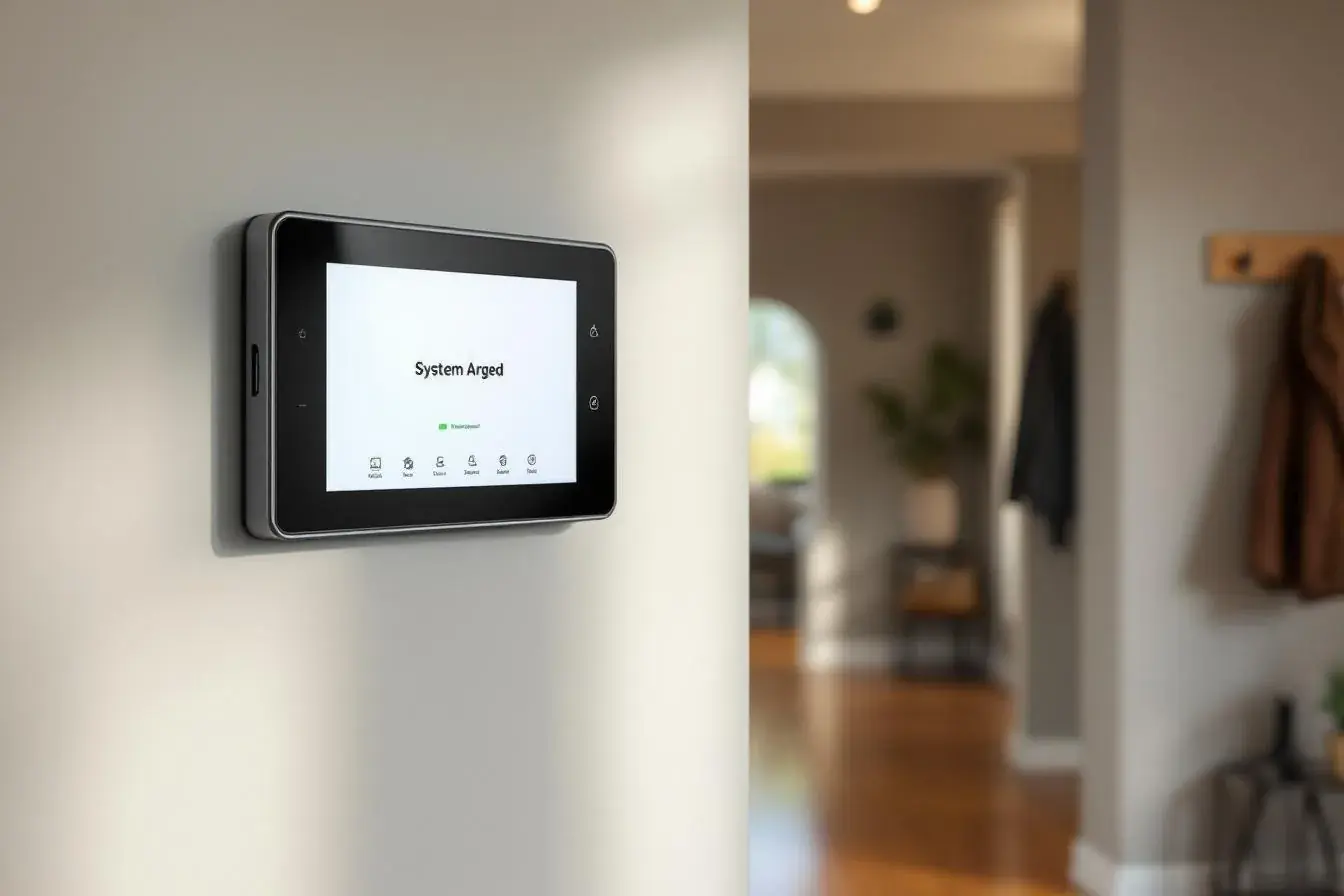
What Each Type Actually Is
Traditional Deadbolt
A purely mechanical lock that engages a steel bolt into the door frame when the cylinder is turned. The mechanism is the same one used for over a century: a series of pins inside the cylinder must align correctly (via the right key) for the bolt to retract. No electronics, no batteries, no network connection.
Smart Lock
An electronic device that includes the same kind of bolt into frame engagement as a deadbolt, but adds:
- Electronic actuation (motor turns the bolt)
- Multiple unlock methods (PIN code, smartphone app, fingerprint, key fob, traditional key)
- Network connectivity (Bluetooth, WiFi, Z-Wave, or Zigbee)
- Logging (records who entered and when)
- Remote control and notification capability
Most smart locks still include a traditional key cylinder as a backup, so they're not replacing the deadbolt, they're adding electronic functionality on top of it.
The Security Comparison Most Articles Get Wrong
The comparison most articles run is "smart lock vs deadbolt" as if they're alternatives. They're not, in security terms. The relevant comparison is:
- Quality smart lock (with deadbolt grade hardware) vs quality deadbolt
And the answer there is: the underlying physical lock is essentially identical, and physical security is the same. The differences are in:
- Convenience (smart wins decisively)
- Audit trail (smart wins)
- Failure modes (deadbolt wins, fewer ways for it to fail)
- Attack surface (deadbolt wins, no software to exploit)
- Lifespan (deadbolt wins, 30+ years vs 5-10 years for smart locks)
Where Smart Locks Genuinely Help Security
Eliminate Hidden Keys
The "rock that's actually a key holder" by the back door, the spare key under the doormat, the key in the planter, these are entry points that burglars know about and check. Smart locks with PIN codes eliminate the need for any of these. The single biggest real world security improvement most homes get from a smart lock is removing every hidden physical key from the property.
Track Who Comes and Goes
Standard deadbolts have no memory. Smart locks log every unlock event with timestamp and which method was used. This matters for:
- Verifying kids got home from school on time
- Knowing when contractors entered and left
- Confirming dog walker visits
- Auditing access if something goes wrong
Revoke Access Instantly
Gave the babysitter a code? Easy to revoke. Cleaning service ended? Delete the code. Old roommate moved out? Done in 30 seconds. With physical keys, the only way to be sure is rekeying the lock.
Auto Lock
The single most common door security failure isn't a defeated lock, it's a door that wasn't locked because someone forgot. Smart locks with auto lock features (engage 30 seconds after closing) eliminate this entire category of mistake. This is a real, meaningful improvement over a deadbolt that depends on a human to remember.
Integrate With Alarm Systems
Quality smart locks integrate with professional security systems. Unlock the front door at 3 AM? The alarm system knows. Smart lock fails to engage when the system arms in "Away" mode? You get an alert. We commonly integrate smart locks into our DMP based systems, providing a unified view of access and security events.
Where Smart Locks Don't Help (and Sometimes Hurt)
The Bolt Itself Isn't More Secure
The metal bolt that goes into the door frame is the same on a quality smart lock as on a quality deadbolt. The physical attack, kicking the door, defeating the strike plate, prying, is identical. If your door frame is weak, neither type of lock helps. Strike plate security (3-inch screws into the wall framing, not just the door jamb) matters more than the lock type.
Software Vulnerabilities
Smart locks add an attack surface that deadbolts don't have: software. In 2025-2026, security researchers have demonstrated exploits against several popular consumer smart locks, typically not direct lock defeats, but issues in the companion apps, WiFi protocols, or cloud services that control them.
Reputable manufacturers (Yale, Schlage, Kwikset Halo, August, Lockly) patch these. Cheap import smart locks may not. Buying a $40 smart lock from an unrecognizable brand is a worse decision than a quality $80 deadbolt.
Battery Failure
Smart locks run on batteries (typically 4 AA cells). When the batteries die, the lock either:
- Stops working entirely (some cheaper models)
- Falls back to traditional key only (most quality models)
- Allows emergency external power via 9V battery on contact pads (best models)
Battery anxiety is real. Most quality locks last 6-12 months on a set, give low battery warnings, and don't actually fail catastrophically. But it's a maintenance item that doesn't exist on a deadbolt.
Connection Failure
WiFi connected smart locks become "dumb" when your internet is down. Bluetooth locks need your phone to be in range. If you rely entirely on the smart features for entry (no traditional key in your wallet), you can lock yourself out via cause and effect chains that don't exist with mechanical locks.
Specific Smart Lock Recommendations for Homeowners
This is not an exhaustive review, but the patterns we see in the field:
Quality Tier (worth the investment)
- Yale Assure Lock series, solid build, good app, integrates with most platforms
- Schlage Encode series, reliable WiFi, strong physical lock body
- Kwikset Halo, popular, integrates with most security systems
- August WiFi Smart Lock, fits over existing deadbolt (preserves original lock cylinder), good for renters
Avoid
- Anything under $50 from unknown brands on online marketplaces
- Locks with proprietary apps that haven't been updated in over a year
- Locks marketed only via Bluetooth (limited remote functionality)
- "All in one" smart lock and doorbell devices with mediocre reviews, better to use separate dedicated devices
The Honest Recommendation for Most NJ Homes
For most homeowners we work with, the right answer isn't "smart lock or deadbolt", it's:
- A quality deadbolt or smart lock with deadbolt grade hardware on every exterior door
- Properly secured strike plates with 3-inch screws into framing
- Door reinforcement (door jamb shields, security strike plates) for the front door specifically
- Door and window contact sensors connected to a monitored alarm system
- If smart locks make sense for your lifestyle (kids, contractors, rental scenarios), choose a quality brand and integrate it with your alarm system rather than running it as a separate isolated device
The lock itself is rarely the security weak point. The door, the frame, the sensor coverage, and the response capability matter more.
Smart Locks for Specific Use Cases
Vacation Rental Hosts
Smart locks with rotating PIN codes are essentially required for AirBnB / VRBO hosts. Generate a unique code per guest, set it to expire on checkout day, eliminate physical key handoffs and risks of duplicated keys. This is one of the strongest cases for smart locks.
Families with Kids
PIN codes mean no lost keys, no kids locked out, and visibility into when kids got home. Auto lock means doors don't get left open. The convenience benefit is significant.
Service Heavy Households
Cleaners, dog walkers, contractors, deliveries, smart locks with time limited codes reduce key management to zero. Generate a code that works only on Tuesdays from 10 AM to 2 PM, and forget about it.
Empty Nesters in Established Homes
Often the worst use case. The convenience benefit is small (no kids running in and out), the learning curve is real, and a quality deadbolt has been working fine for 30 years. Spend the money on cellular monitoring and updated sensors instead.
Rental Properties
Tenant turnover used to mean rekeying. Smart locks let you reassign codes between tenants in 60 seconds. Strong case here.
The Integration Argument
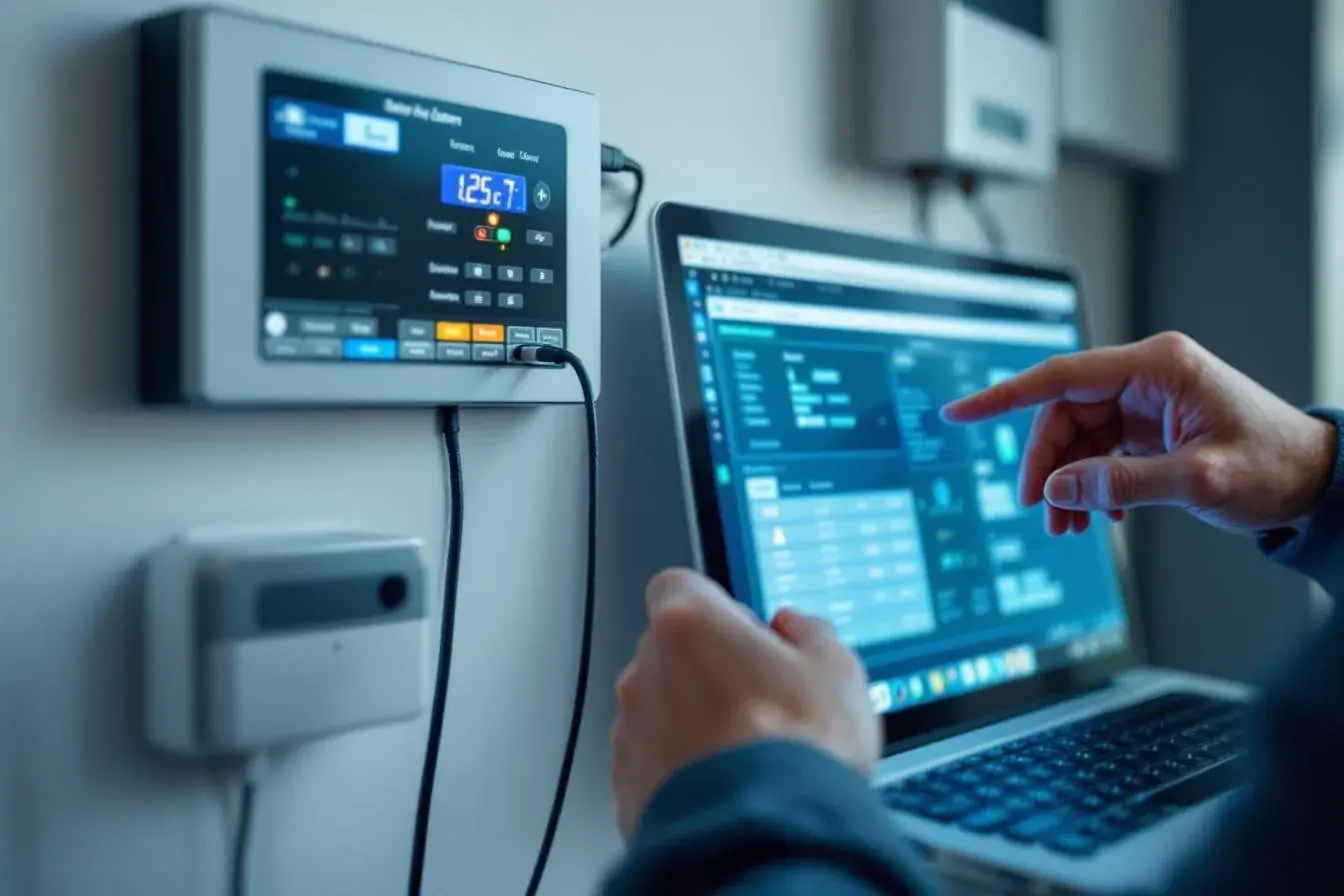
The single biggest reason to consider a smart lock is integration with a professional security system. A standalone smart lock is a convenience product. A smart lock that's part of your alarm system is a security tool, it logs events into the same system that sees motion sensors, contact sensors, and cameras, giving the central station a complete picture if something goes wrong.
A burglar entering through an unlocked window during the day shows up on your motion sensor. The smart lock confirms the front door wasn't unlocked. That correlation tells the monitoring center "this isn't a homeowner, this is an intrusion", and dispatch happens faster.
The lock itself is rarely the security weak point. The door, the frame, the sensor coverage, and the response capability matter more.
How We Approach This With Customers
When customers ask us about smart locks, our default position is:
- If you want them for convenience, we'll help you pick a quality option and integrate it
- If you're considering them for security improvement, the answer is usually that the bigger security improvement comes from a different upgrade, a better strike plate, more sensor coverage, cellular monitoring path, or a camera at the front door
- The combination of all of the above is the strongest position
Smart locks aren't a panacea. They're not a downgrade either. They're a tool with a specific use case, and they work best as part of a complete security system rather than as a standalone "I have security now" purchase.
If you want a real assessment of what would actually improve your home's security, smart locks included or not, we offer free consultations. Walking your specific property and looking at your specific entry points beats any blog post recommendation.
Call 732-346-5333. Free consultations across NJ.