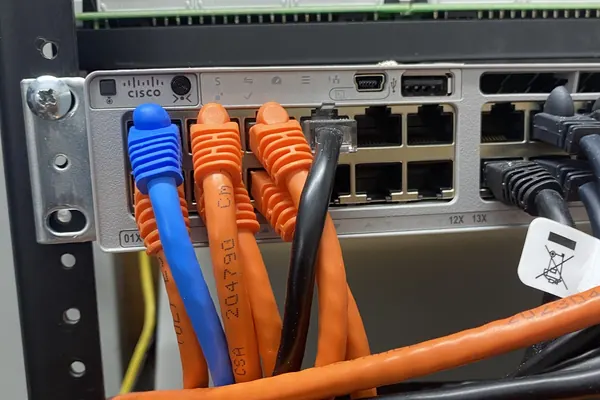
- Every IP camera is a small computer plugged into your network. Installed carelessly, a camera system can become the weakest device on it.
- The basics: put cameras on their own network segment, never open router ports to view them, change every default password, and keep firmware current.
- Good installers coordinate with your IT person instead of working around them. Call 732-346-5333 to plan a camera system that fits your network.
Cameras Are Computers
A modern security camera runs an operating system, has an IP address, and talks over your network. That is what makes remote viewing, high resolution, and analytics possible. It also means a camera with a default password or years-old firmware is an open door. The 2016 Mirai botnet, which knocked major websites offline, was built largely out of hijacked internet-connected devices, including cameras and recorders with factory passwords.
None of this is a reason to avoid IP cameras. It is a reason to install them like network equipment, not like light fixtures.
Put Cameras on Their Own Network
The single most effective step is separation. Cameras should sit on their own VLAN or their own physical switch, talking to the recorder and nothing else. Your office computers, point of sale, and guest Wi-Fi should not be able to reach a camera directly, and a camera should not be able to reach them.
- Cameras to recorder only. The NVR is the one device that needs to see every camera.
- Controlled path out. Only the recorder needs a route to the outside, and only for remote viewing and updates.
- Guest Wi-Fi fully isolated. A customer on your free Wi-Fi should never be one hop away from your cameras.
Never Open Ports to View Cameras
The old way to watch cameras from home was to forward ports on the office router straight to the recorder. That puts the recorder's login page on the public internet where automated scanners find it within hours. Use a VPN into the network, or the manufacturer's secure remote access service that connects outbound from the recorder, instead. Turn off UPnP on the router so devices cannot quietly open ports on their own.
Passwords, Users, and Firmware
- Change every default password on every camera and the recorder, and use unique ones.
- Separate user accounts. Managers who only watch footage should not have admin rights. When someone leaves, remove their account.
- Keep firmware current. Manufacturers patch security problems through firmware. Ask whether your installer handles updates as part of service.
- Check support status. A recorder that no longer gets updates is a security problem. That is one of the signs in our post on when to upgrade an old camera system.
- Federal contractors: if you hold government contracts, ask about NDAA-compliant equipment before you buy.
PoE, Bandwidth, and Power
Most IP cameras get power and data over one Ethernet cable from a PoE switch. Two things to size correctly:
- PoE budget. Every switch has a total power limit. PTZ cameras and cameras with heaters or bright illuminators draw far more than a basic dome. A switch that is over budget drops cameras at random, which looks like a camera problem but is a power problem.
- Bandwidth. High-resolution cameras each stream several megabits per second. Recording stays on the local network, so your internet upload speed only matters for remote viewing and cloud backup, but the switch and recorder have to handle the total from every camera at once.
- Battery backup. Put the camera switch and the recorder on a UPS. A camera system that goes dark in a power outage is off at exactly the wrong moment.
The Network Does Not Fix the Picture
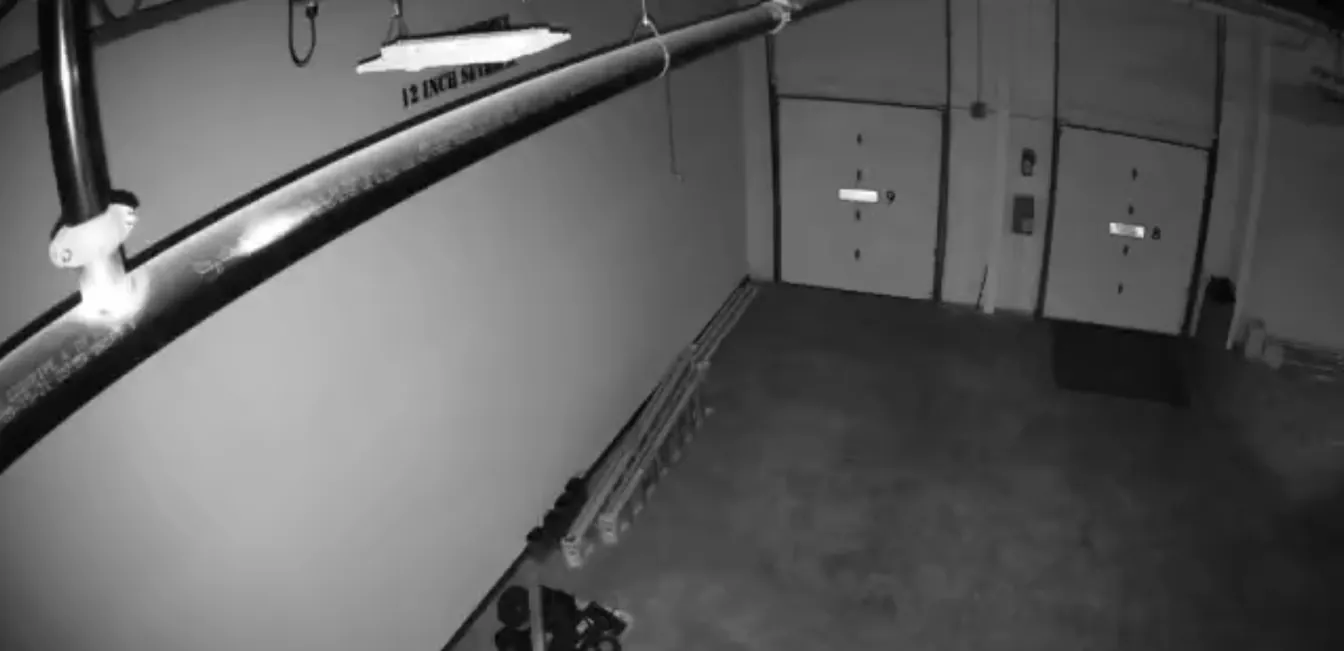
A perfectly configured network still records whatever the camera sees. Low-light performance, angle, and resolution come from camera selection and placement. For those, see our guide to commercial camera costs and the section on night footage in our post on why break-ins jump after the clocks change.
Working With Your IT Person
The worst camera installs are the ones where the installer and the IT person never talk. Before the job, agree on who owns the camera network, which IP range it uses, how remote access works, and who keeps the admin credentials. After the job, you should get documentation: a list of cameras, IP addresses, and how to reach the recorder. If your installer will not give you your own admin credentials, that is a red flag.
We install networked camera systems for businesses in Edison, Woodbridge, New Brunswick, Piscataway, and across Middlesex, Monmouth, Union, Somerset, Essex, and Morris counties, and we work alongside in-house IT and outside managed service providers. Call 732-346-5333 or use the form below.